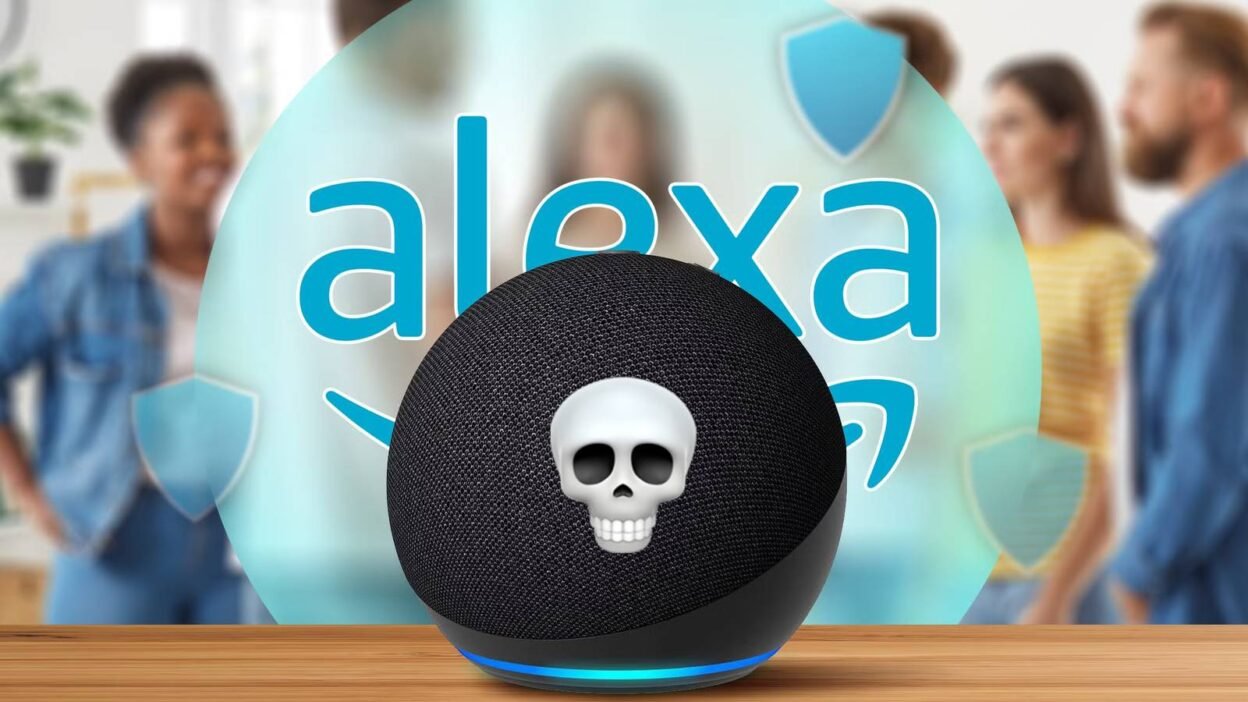
When a service that powers vast swathes of the internet experiences an outage, the shortcomings of putting all your eggs into one basket become abundantly clear. When Amazon’s AWS infrastructure went dark on a random Monday in October, so too did the company’s Alexa and Ring devices.
So what happened, and how can you immunize your own smart home against the ever-present threat of a cloud-burst?
What Happened?
You’ve probably heard by now, but on Monday, October 20, 2025, Amazon’s AWS web hosting service suffered an outage. The crux of the issue came down to a problem with the domain name system (DNS) that acts like a map to connect servers on which data is hosted.

DNS is responsible for linking domain names (like “howtogeek.com”) with server IP addresses. When DNS fails, servers aren’t able to communicate properly. This results in the complete or partial failure of service. Even after Amazon fixed the underlying issue, there were further problems with the company’s load balancing systems which caused further problems.
Even though the outage seemingly occurred in the company’s northern Virginia “U.S.-East-1 Region” datacenter, outages were reported all over the world from Seattle to Canada and in places as far away as Thailand and Australia.
Why This Affected Your Smart Home
AWS is one of the three big players in terms of the online infrastructure that powers many of the world’s biggest services (with Google Cloud and CloudFlare being the other two). Because of the service’s size and adoption, it is relied upon by a vast number of services. As a result, outages can have far-reaching consequences.
Though not every provider uses AWS, enough do that you may have noticed issues with certain smart home devices for a few hours. Notably, if you have an Amazon-powered smart home, then it should come as no surprise that the company uses its own web hosting services to provide the service.

Many adjacent services also experienced problems. This makes it incredibly difficult to provide an exhaustive list of services that were affected by the outage beyond the big players. You may have a cloud-dependent device that wasn’t working properly because the manufacturer depends on Amazon’s underlying infrastructure.
When the servers that power a smart home that’s dependent on the cloud experience problems, things simply don’t work as they should. This means that automations, like lights turning on at sunset, simply won’t run if the server isn’t online to tell them to do so. Smart switches designed to trigger scenes won’t do anything since the instructions must leave your network, be processed by a remote server, and then make it back home to trigger the relevant devices.
Mobile apps that you depend on to set the brightness or hue of your color-changing bulbs can be affected. And of course, voice assistants that aren’t processing data locally (which is the vast majority of them), won’t even respond, let alone perform the tasks you ask of them.
Smart Home Services Affected by the AWS Outage
The two big services that were affected by the AWS outage were Amazon’s Alexa voice assistant and Ring devices. There were also some smart home adjacent services like Life360 (a geolocation service), and a long list of streaming services like Apple Music, Tidal, Prime Video, Roku, HBO Max, and Hulu, to name but a few.
Alexa being down is the big one here. Amazon’s assistant powers the company’s smart home system and is advertised as the primary way of interacting with the company’s smart home setup via speakers. Saying things like “Alexa, turn on the lights” will feel second-nature to any Amazon smart home owner, except on Monday, this wasn’t working.
This affected a vast number of Echo devices, with users unable to talk to the voice assistant, stream music, set alarms, or watch videos on Echo Show hubs. Some users reported that they were logged out of the Alexa app and were then unable to log in again, which meant there was no way to bypass Alexa’s voice interface to control smart home devices directly.

The other major smart home-related outage was Ring, which also an Amazon company. Ring is best known for its video doorbells that not only show you who is standing outside but also function as impromptu security cameras and feature processing features that can identify faces or package. The company also produces indoor and outdoor cameras and an alarm system.
Ring devices are famously dependent on the cloud in order to function. There’s no way of circumventing this requirement, and Amazon even upsells a Ring Home subscription plan that saves event history, adds “doorbell calls,” and offers 24/7 recording features that go far beyond the basic functionality you get by purchasing the hardware.
None of these features work when the infrastructure on which they rely isn’t picking up the phone.
This Problem Isn’t Limited to Amazon Smart Homes
If you’re sitting there feeling smug about your Google Home setup, don’t be. Much of the web is reliant on three major infrastructure providers, and if it’s Google’s services that are affected by an outage, then guess which smart home system will be unresponsive next time?
These outages happen more often than you think, but most of us only hear about the big ones. The fact is that depending on the cloud to run technology that is almost only ever used inside your home is inherently risky. Services like AWS failing mean things just don’t work anymore, but this is just one scenario in which cloud dependence can bite you.

For example, Logitech recently retired its POP smart buttons. These are simple battery-powered buttons that are designed to do things like turn on lights or trigger scenes. Unfortunately, with no local workarounds, the buttons became overnight e-waste. Users were offered a 15% discount on other Logitech products, and that’s it.
But cloud dependency isn’t always a problem because of remote servers; these devices also require that your own internet connection is functioning flawlessly. In my experience, my own internet connection is far more likely to experience an outage that I’ll notice than a company like Amazon. Even an unresponsive router could spell disaster for many smart home devices.
Want an Offline-Ready Smart Home? You Have Options
The good news is that you have plenty of options for running a smart home that doesn’t rely on the wider internet for its core functionality. Top of the pile is Home Assistant, a free and open-source smart home platform that is designed around the concept of local control and broad device compatibility. In its default state, Home Assistant isn’t even accessible from outside of your home network.
Home Assistant accomplishes this by running on a dedicated server that’s located within your home. Though many devices can communicate via Wi-Fi, the platform is compatible with low-powered mesh networks like Zigbee, Z-Wave, and Thread, which removes your router from the equation altogether. You’ll need to kit your server out with a relevant radio like the ZBT-1 for Zigbee or Thread and the ZWA-2 for long-range Z-Wave support first.

Home Assistant also integrates with thousands of online services, but these are optional add-ons that don’t affect the day-to-day running of your smart home. Though some accessories require online functionality in order to work (ironically, Ring is perhaps the most well-known), when you’re building out your smart home with Home Assistant you’ll have the option of prioritizing local control above all else.
Though Home Assistant sounds complex, it’s only as complex as you make it. You can simply add some cheap IKEA smart lights and plugs and automate things to start and stop at times of your choosing. It works especially well for Apple smart home owners via the use of HomeKit Bridge, an integration through which you can expose your Home Assistant devices and interact with them using Apple’s easy-to-use app.
Speaking of Apple, if you do end up going for one of the “big four” smart home platforms and want to avoid Google, Amazon, and Samsung on account of their cloud-dependency, Apple is a solid choice. Though Apple Home relies on iCloud for data syncing and remote access, Home uses a combination of Thread and standard networking so that accessories and automations continue to work offline.

You’ll need to be an Apple user for this to be useful, since you’ll need the Home app on your iPhone, iPad, or Mac. You also need a home hub device like a HomePod or Apple TV to act as an offline coordinator. Apple Home also has a more limited selection of devices compared with competing platforms like Amazon, and they can be more expensive. Matter will hopefully address this, but so far the cross-platform smart home experiment has been underwhelming.
There are a few other options outside of these two, but they’re somewhat niche. Hubitat is a hub-based approach that offers local processing and works with a good range of devices, but it lacks the infinite expandability of Home Assistant in favor of user-friendliness. Homey is a similar option. Both of these approaches require you to purchase specific hardware, whereas Home Assistant runs on virtually anything.
It’s usually the tech companies that control the infrastructure we rely on that learn valuable lessons from outages, but this particular outage might have taught smart home owners a thing or two as well. The cloud is a vital part of our lives, and even an offline smart home solution like Home Assistant incorporates the cloud for backup purposes and external integrations. But where risk can be eliminated, it probably should be.
The good news is that you don’t have to get rid of all your cloud-dependent smart home devices overnight. If you’re thinking of building a Home Assistant smart home, you can start small with an old laptop, single-board computer, mini PC or a turnkey solution like Home Assistant Green.