A smart home might feel out of reach if you’re renting. However, there are several smart home upgrades that you can make that don’t involve changing fixtures, drilling holes, or messing with wiring. You may find that there’s a lot you can do without violating the terms of your rental agreement, and you can easily take everything with you if you move.
Plug-in upgrades are an easy win
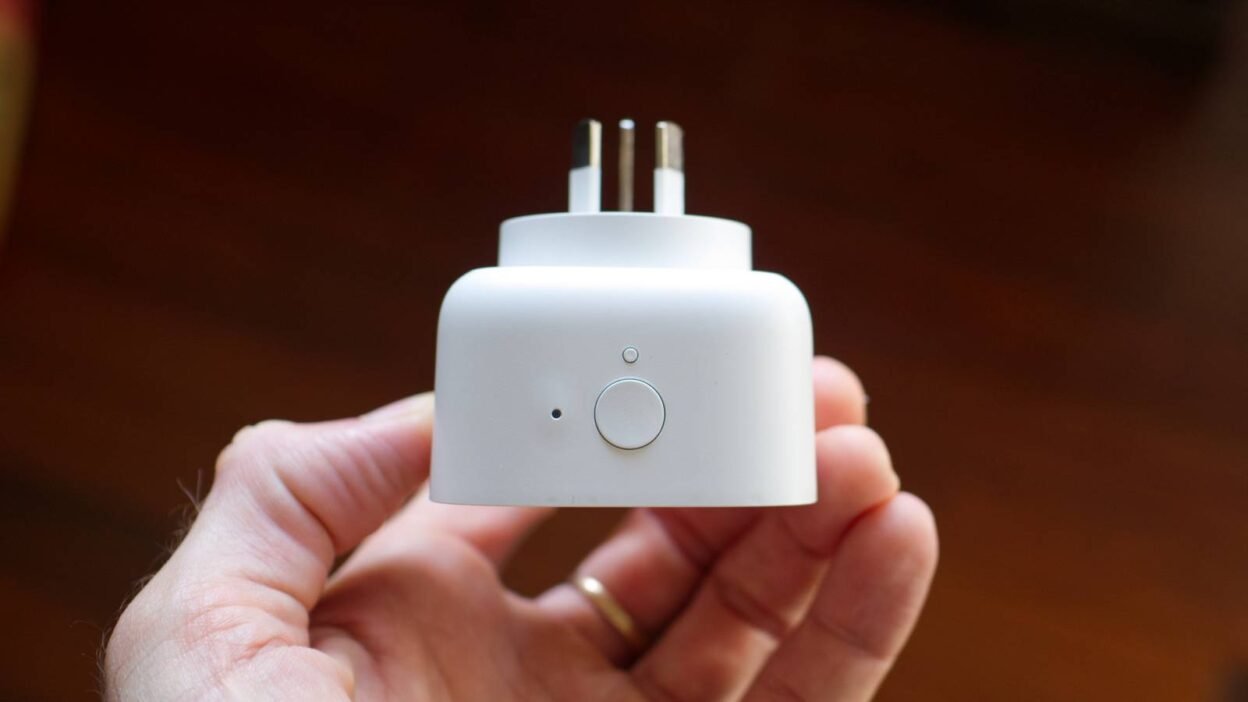
Unless you have the strictest rental agreement in the world, you’ll be allowed to use the power outlets in your rental property. This means that you can use one of the most versatile smart home devices of all: a smart plug.

Using smart plugs, you can make almost any electrical device smart as long as it powers on when the smart plug does. For example, you could add a smart plug to a lamp to be able to turn the lamp on from your phone, with your voice, on a schedule, or using routines or automations.
Smart lighting is simple to set up
Another easy win is smart lighting. Your landlord may not like it if you rip out the light switches and replace them with smart switches. If you replace your light bulbs with smart bulbs, however, then you’re not causing any harm. Smart bulbs will fit into your standard light fixtures without causing any damage, and you can easily remove them when you eventually move out.

Combining smart bulbs with smart plugs for floor and table lamps allows you to control all of your lighting in your rental property. You can create routines to turn off all your lights at night, or to make them turn on when you arrive home in the evening. If you really want smart switches, there are some options that can fit over the top of your existing light switches.
No-drill home security
Just because you’re renting doesn’t mean that you don’t want to keep your home secure. It’s unlikely that your landlord is going to want you to drill holes in the walls to install security cameras, however.
The good news is that there are plenty of home security options that don’t require any mounting hardware or drilling holes. Adhesive contact sensors, for example, can be stuck to window or door frames to alert you if anyone enters your home when they shouldn’t. You’ll need to be careful about where you place adhesive sensors, as they can damage paint or wallpaper when they’re removed.

Indoor security cameras can also be placed on shelves rather than needing to be fixed in place, so you can keep an eye on your home even when you’re not there. If you live with roommates, you’ll also need to ensure that your cameras don’t violate the privacy of the other people you live with.
Make your dumb AC smart
If your AC has a remote that you can use to control it, you may think that it’s too low-tech to be able to use as part of your smart home. It may still be possible to do so, however.
You can buy IR blasters that can be programmed to send out the same infrared signals as your AC remote. You can then use the IR blaster to turn your AC on and off remotely or trigger it when the temperature rises above a certain level.

These devices can be used to control other devices in your home, too. You could use one to control your TV, for example, or to turn on fans or electric heaters. You can even control motorized blinds if they use an IR remote.
Smart speakers offer easy control
Your landlord probably isn’t going to want you to knock a hole in the wall so you can set up a wall-mounted control panel for your smart home. There are other ways to control your devices that are less intrusive.
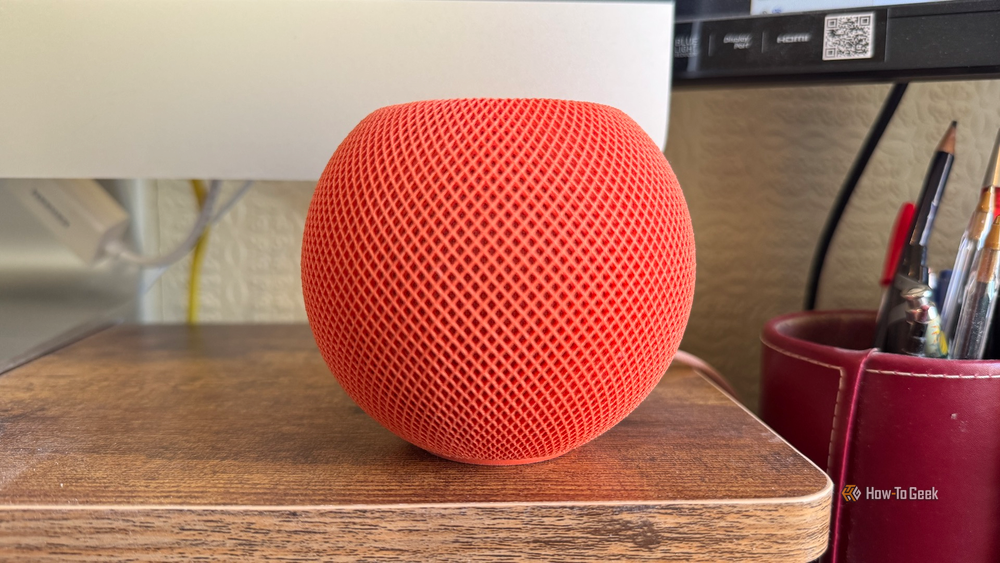
If you have smart speakers such as an Apple HomePod or an Amazon Echo device, you can use voice commands to control your smart home. For example, you can use your voice to turn off the lights when you’re in bed at night, or to turn on the AC when you’re getting hot.
If you really want a control panel, then you don’t have to mount it on the wall. You can place a tablet in a stand or leave one on the coffee table and use it to control your smart home in exactly the same way as you would with a wall-mounted version. Using a tablet in your home isn’t going to cause any unnecessary damage.
Just because you’re renting doesn’t mean that you can’t enjoy some of the convenience that smart home devices can bring. By choosing the right smart home upgrades, you can make your rental home smart and still stay on your landlord’s good side. If you move to a place of your own, you’ll have plenty of smart tech so that you can hit the ground running when you set up your new smart home.