Don’t ignore your kitchen when building out your smart home; the technology has so much potential to make your life easier and provide more convenience and peace of mind. Start with a few considered upgrades, rather than needlessly “smart” appliances.

- Dimensions (exterior)
-
4.41″L x 4.41″W x 1.26″H
- Weight
-
12 Ounces
Home Assistant Green is a pre-built hub directly from the Home Assistant team. It’s a plug-and-play solution that comes with everything you need to set up Home Assistant in your home without needing to install the software yourself.
Smart speaker, hub, or iPad

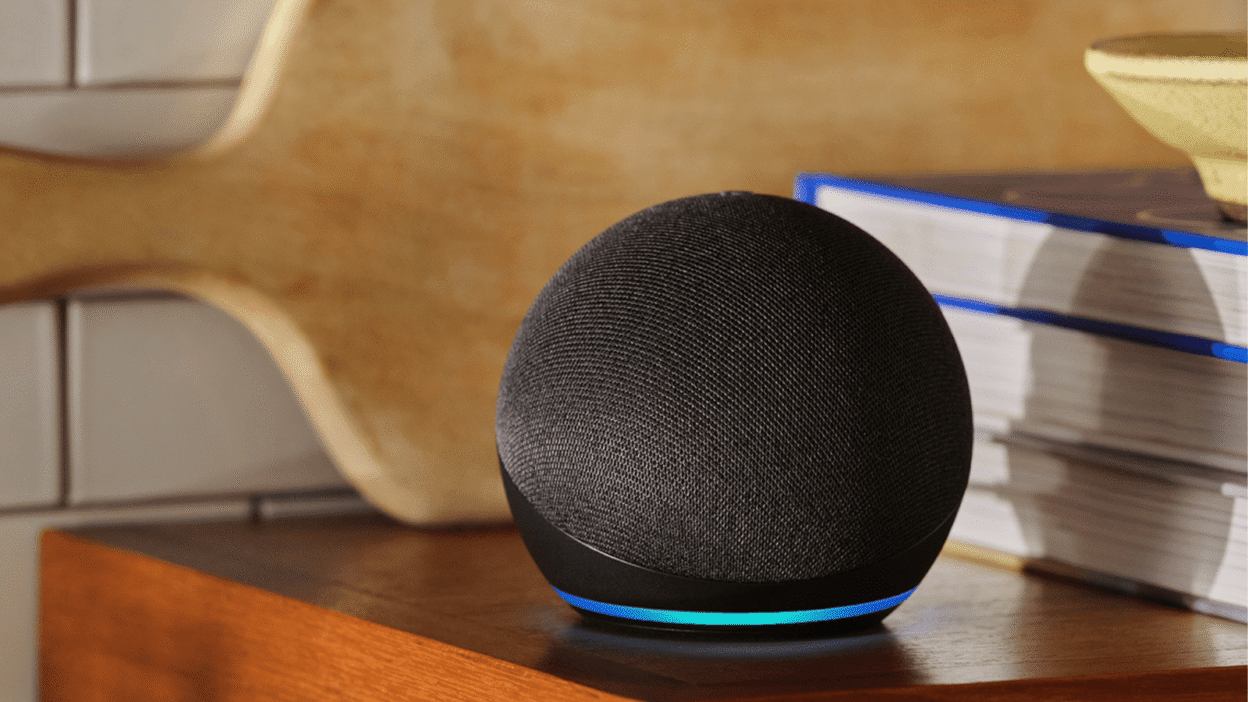
Smart speakers are great for any room in the house, but they have particular utility in the kitchen. They’re ideal for firing off hands-free commands when your hands are busy, covered in food, or juggling groceries. You can use them to quickly convert units, add items to your shopping list, or send a message when you can’t get to your phone.
Many of these devices can connect directly toa doorbell, allowing you to answer the door hands-free. This works even better with a smart hub or tablet device, since you’ll get a video feed of whatever your camera sees, too. Hubs are also good for following recipes, and you can even hack some of them to act as Home Assistant dashboards.
An iPad or equivalent Android tablet could also pull double duty here. Considering the upgrade price you’ll pay for a “smart” fridge that uses a display usually costs the same as an iPad, I’d much rather have a separate iPad with a magnet mount or stand on the kitchen benchtop.
Energy-monitoring smart plugs

Smart plugs let you automate simple on-off states, turning dumb devices into smart ones. These have obvious utility all over the house, and in the kitchen, you can do things like trigger coffee machines or kettles in the morning at a set time, to make it easier to get out of bed. You can also go a step further and pick up energy-monitoring smart plugs that have even more utility.
Using a platform like Home Assistant, you can create an automation that uses the power level of an energy-monitoring plug as a trigger. By monitoring when your fridge drops below a certain level of power consumption for an extended period (like five minutes), you can get an alert if your fridge stops working.
You can also create an alert using the same method for cycles, like that of a dishwasher. If your laundry room is nearby, you should also use this same technique to get alerts whenever your laundry cycle has finished.

- Dimensions
-
2.36 x 2.76 x 1.52 inches
- Hub Required
-
No
The latest Eve Energy HomeKit smart plug supports Matter and Thread networking, a protocol that extends the range of your smart home devices. It can also monitor energy usage.
Carefully-chosen smart appliances

Be warned: there are a lot of gimmicky “smart” appliances out there that you’ll do well to avoid. I’m personally very wary of smart fridges with integrated touchscreens that have little practical utility and instead are used as digital billboards within your own home.
But there are some genuinely useful upgrades, where the smart aspect offers real utility. One thing that’s definitely worth prioritizing, especially as a Home Assistant user, is local control. You do not want to lose smart functionality in five years because the powers that be decided to turn off the servers.
Connected smart ovens allow you to monitor cooking progress via integrated cameras, and even start or stop them automatically. You could preheat your oven when you’re 10 minutes away from home so that it’s ready to cook your dinner when you walk through the door.
Smart coffee machines now exist, too, going beyond simple on-off functionality (though you’ll get better results with simple tools and good technique). Govee has several options that are perfectly suited to the kitchen, like the GoveeLife Smart Electric Kettle ($90). There are also devices like the GoveeLife Smart Air Purifier 2 Pro ($109) that can help remove the smell of last night’s meal from the air.
Fridge and freezer temperature sensors
Beyond controlling your heating and cooling system, temperature sensors have all manner of uses in the kitchen. Wireless fridge and freezer thermometers like the Inkbird IBS-TH2 ($16) connect to Home Assistant or a mobile app via Bluetooth and can be used to provide an alert if your fridge or freezer exceeds the desired temperature.
Automated lighting in dark cupboards

Kitchen cupboards, pantries, and closets can be very dark spaces, but integrated LED lighting can help. You can easily trigger this lighting automatically, so that the lights come on when you open the door or drawer and go off again automatically.
The best way to accomplish this is with contact sensors, which comprise of a main sensor unit and a magnetic strip. You can hide these inside the cupboard so you don’t see them from the outside, and they’re wireless, so they only need you to change the battery every so often.
Tilt (vibration) sensors can work here too, as can motion sensors, though these require that you keep moving within range of the sensor.
Looking for more smart home ideas? Check out some of the best smart home gadgets for the bedroom.