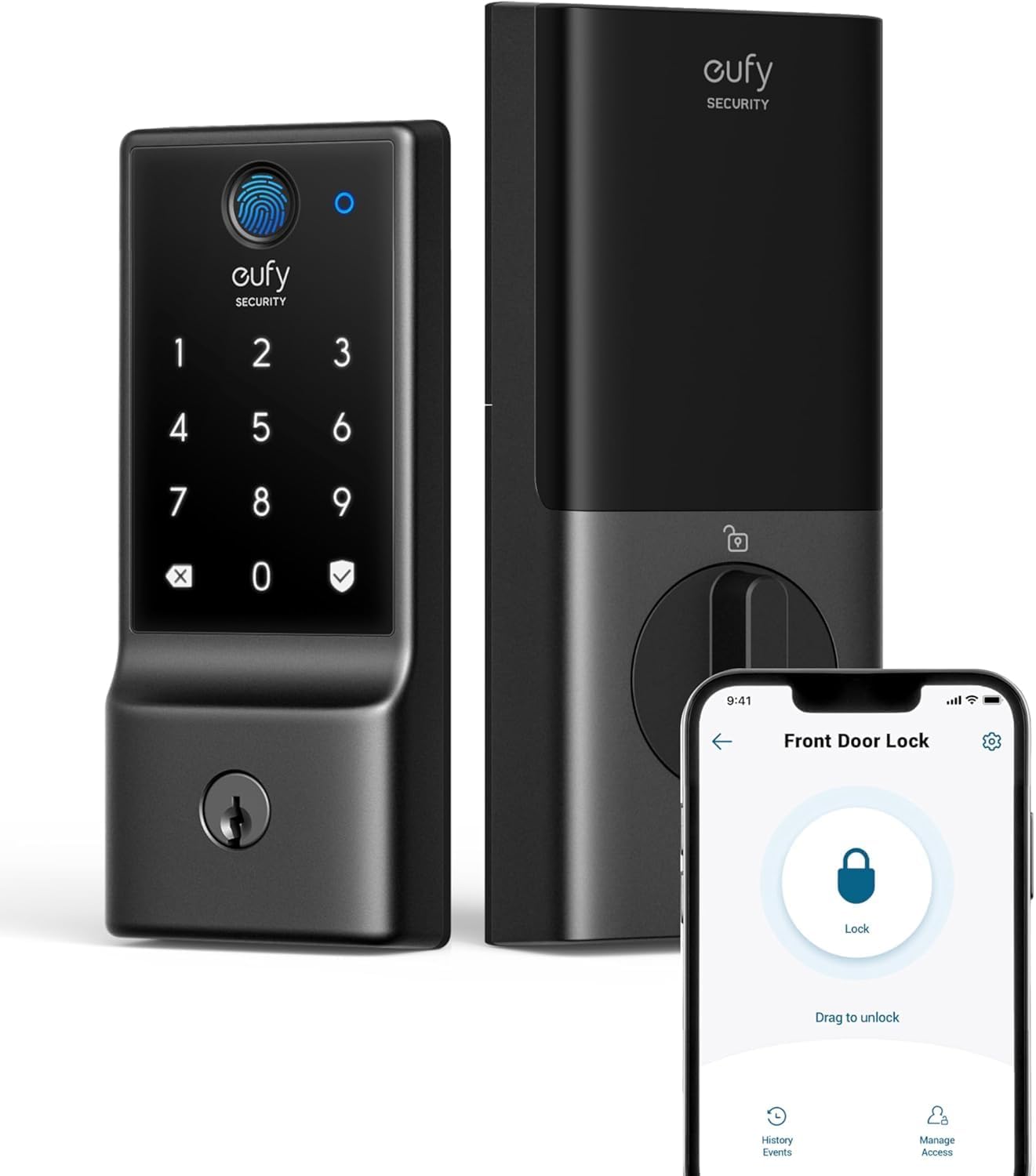
The newly launched Aqara U400 is the first — and so far only — smart lock with Ultra Wideband Home Key support, and after using it for the past month, I don’t think I can go back.
I firmly believe that smart locks are one of the best smart home devices you can add to your home. Not only do they offer unparalleled convenience of unlocking or locking your home from anywhere, but they also add peace of mind.
If I get in the car to leave my house, I don’t have to fret about whether the door was locked. I can ask Siri if the front door is, in fact, properly secured.
They also still retain all their physical controls. You can use a key, the same as you always have, while also benefiting from the smart features.
The U400 is the first smart lock I’ve tested that nailed those smart features so well that you don’t even have to think about them. It auto-locks and unlocks at the right time, giving you the security, peace of mind, and convenience that you need.
Aqara U400 review: Design
Out of the gate, the design is perhaps the Aqara U400’s weakest point. It doesn’t look bad, but it’s also not a striking lock either.
Both the inside and outside of the door have large, blocky boxes. The one on the inside houses the battery tech, while the one on the outside shows a backlit keypad.
If I had a choice, I’d choose a smart lock more akin to the Level Lock Pro that is all but invisible on the door itself. This is best described as “fine.”
It’s not particularly attractive in either the black or silver finishes, but it’s not ugly either. It’s functional.
Going a bit more granular on each side of the door, the inside is vastly improved from other Aqara door locks. Instead of replaceable AA batteries, the back pops open to reveal a quickly removable battery pack.
The battery pack pulls free with a bright orange ribbon and can be charged anywhere with a USB-C cable. If you have a cable handy, you could also plug it into the bottom of the lock so you don’t have to take it offline while charging.
Rechargeable and optionally removable batteries are, for sure, better than AA batteries. The back panel also comes off more easily than on other Aqara locks.
The inside also has the throw, used to manually lock and unlock the door — standard for any deadbolt, smart or not.
On the outside, the keypad reveals itself when you tap it, illuminating the numbers. It also has a small sensor used for scanning your fingerprint, if you want use that authentication method.
There’s an extra flat section at the bottom that slides down, revealing a hidden keyhole should you ever need it. Never a bad idea to keep a spare key handy.
Finally, the outside also has a USB-C port for emergencies. You can even plug in your iPhone for that extra power to make sure you can always get inside.
Aqara U400 review: Installation
The installation process was straightforward, and I was finished in less than 15 minutes. You remove your old deadbolt and install this one instead.
I only had one tricky part: feeding the wire from the outside to the inside panel. It was a bit tight as I tried to fit the cable, sandwiched within the door.
Otherwise, it was a standard lock install that anyone should be able to handle. Unless you’re getting a new door and have to cut holes, which would obviously increase the install time, it was fast.
Because this replaces both sides of the door and the key, it may not be suitable for apartments or condos with strict rules, though it can be rekeyed. Be sure to check before you go through the process of setting everything up.
The U400 is BHMA Grade 3 certified, the lowest of the three grades. Grade 1 is the highest — usually industrial or high-security commercial installations — and Grade 2 is residential or commercial, while Grade 3 is a slightly weaker residential grade.
Some other smart locks, like the Level Lock Pro, have BHMA Grade 1 certification. This is a rating on how well the door can withstand forced entry, among other things.
I’m glad that Aqara got this certified, though I’d have hoped for Grade 2. Regardless, I’m not as concerned with the two versus five impacts it can withstand.
If someone ultimately wants to get into your home, your window will be a much easier place to start.
Aqara U400 review: Apple Home support
This smart lock supports a variety of features, ecosystems, and unlocking methods. The most important, at least around these parts, is native support for Apple Home.
In addition to Apple Home, it also supports Matter, Amazon Alexa, Samsung SmartThings, Google Home, Home Assistant, and the Aqara app. At the time of this review, you’ll get the most functionality when using Apple Home, but more on that in a few.
When setting up the lock, you can add it directly to Apple Home and use it immediately. Apple Home will provide locking and unlocking, and integration with all your other Apple Home devices.
It connects via Thread, so you need a Thread border router such as a HomePod, HomePod mini, or Apple TV. Thread has gotten very good, connecting reliably and quickly in my experience as of late.
Compared to other common protocols for smart locks — power-hungry Wi-Fi or slow-to-respond Bluetooth — Thread is the superior option here. And battery life is great for what it offers.
In the Home app, you get lock control, battery and charging status, PIN code access control, and your choice of auto-lock duration. It wasn’t until this lock that I started using auto-lock.
With others, auto-lock could feel cumbersome. I don’t want to put in a code or open the Home app to unlock just because I stepped outside for a minute.
Apple also recently added more auto-lock options, with timing ranging from 30 seconds to 30 minutes. Now it’s enough time to take out the trash, get the mail, or anything else, and I can walk in without the lock triggering, but fast enough that I don’t have to worry about locking it myself.
In the several weeks of testing this lock, it has always locked automatically with 100 percent reliability on cue. If the door is ever unlocked, like by my toddler, I get an alert.
Besides UWB, it all supports the NFC version of Apple Home Key. So you can use your watch or iPhone as a key by tapping it.
Finally, if you already have your doorbell in Apple Home, it will work well with this lock. I’m sure Aqara would love to sell you its G410 video doorbell, but any Apple HomeKit doorbell can show you a rich notification when someone is at your door and let you tap to unlock it.
Aqara U400 review: Aqara app
The Apple Home app supports the essential functionality, but when you tie it to the native manufacturer app, you usually get a few more features. Depending on the product, of course.
That’s true of the U400 and the Aqara app. This definitely sounds a bit confusing, but you can unlock even more functionality if the lock itself gets paired with an Aqara hub.
Pairing it with the Aqara app alone lets you locally control the lock, update the firmware, and tweak certain settings. One of those settings is called “Lock on Close.”
Lock on Close is currently in beta, but it uses a gyroscope to determine when the lock is closed. When it detects that it was closed, it will lock the door after a period of time set by the user.
Do Not Disturb Mode is another native Aqara feature. It will mute most alerts for a set period, while still sending you critical alerts such as the door being left open or forced entry.
Finally, there is Night Latch Mode, which disables exterior keyless entry for anyone but admins. You can still exit the door, and physical keys will still work, but only admins can lock from the outside, making it more secure at night.
The idea is to prevent even guests or family members with authorized keys from accessing your home overnight without your knowledge. While this may not be a common concern, the feature is designed for users who want to share access while still prioritizing maximum security.
As I mentioned, you can do a bit more if you decide to pair the lock with an Aqara hub. Aqara even sells a version of the U400 with its mini Hub M100.
Thread allows the lock to communicate locally in your home, and it is your Apple Home Hub — the Apple TV or HomePod — that gives you secure remote access. If you pair the U400 with an Aqara hub, you can also get remote access in the Aqara app.
You can create periodic temporary passwords, for example, while not at home. It is also what enables more advanced notifications when remote, like forced entry.
Aqara U400 review: UWB
While it has been a solid lock up until this point, it is the inclusion of Ultra Wideband, or UWB, that makes it stand out. This is a technology Apple has been working on for years.
Apple has created two generations of its Ultra Wideband chip, which is found across its product lines. It is what enables Precision Finding for AirTag and the newly released AirTag 2.
Ultra Wideband is also what allows you to find a friend or family member in a crowd or hand off audio playback from your iPhone to your HomePod. It’s very cool.
With a smart lock, it works similarly to automatically unlocking your door as you approach. This is far more accurate and reliable than other auto-unlock methods that traditionally rely on geofencing and Bluetooth.
I’ve tested many smart locks that promise to unlock automatically when I get home. In practice, the combination of geofencing and Bluetooth has proven too unreliable to consistently deliver on that promise.
Sometimes the app running in the background, which needed to be installed on everyone’s devices, wouldn’t detect that I had arrived home. Other times, I would get home, and the Bluetooth would take too long to wake and authenticate before unlocking.
Frankly, they didn’t work, and I rarely used that feature because I couldn’t ever trust it 100% of the time. More importantly, neither could my family.
The Aqara U400 has worked flawlessly in its automatic unlocking. It was amazing that I could install this lock while my partner was gone, and when they arrived home, they could walk in the door without having to install or use their phone.
They already had Home Key set up from a prior lock, so they just got out of the car, walked to the door, and the U400 unlocked as soon as they were 2-3 feet away. It’s incredible.
One of the ways I expect we’ll see these locks start to differentiate a little is with their accuracy. UWB is very precise and measures your AoA (angle of approach), speed, and distance.
That’s how it knows you’re outside the house, but then the lock takes that information to determine intent. Is this person intending to unlock the door or are they just walking by?
Some locks may turn out to be better at this than others. Cheap ones, for example, may still offer this as a feature but won’t be as good at understanding your intent.
From within the Apple Home app and the Aqara app, you can fine-tune your experience with UWB. You can choose which angles the door lock monitors.
You can choose to let the lock only unlock when approached from the front and the right, ignoring you if approached from the left. Otherwise, it’s all automatic.
There are all sorts of entry methods people can choose from right now. Home Key and NFC, fingerprint, palm vein recognition, and facial scanning are all available and work well to varying degrees.
In my opinion, UWB is the best out there. You can leave your phone in your pocket or purse or wear your Apple Watch.
You don’t have to worry about getting it out, wearing gloves, sporting a hat, glasses, or a face guard. The only rub is that you do need a device with you to work.
To that, I would counter that that is still preferable to the other options. I don’t want to worry about what I am wearing or about the privacy and security concerns.
I always have my phone or watch with me, but in the rare cases I don’t, that’s what every other method is there for. I can still fall back to the U400 fingerprint reader, a keychain-bound NFC tag, or my passcode.
In my time using this lock, I’ve only had one issue, and it’s hard to blame the lock. We got out of the car, and my toddler ran up to the door and started pressing all the buttons before I got there.
This caused the lock to get confused, thinking someone was trying to enter a code, and it beeped on the failed attempt. This happened before the UWB unlocked it, so I had to touch the lock with my fingerprint to get in.
If you happen to follow the smart home space at all, or are a frequent listener to our HomeKit Insider podcast, you may have heard the term Aliro thrown around when talking about UWB locks.
The Connectivity Standards Alliance develops Aliro, the same member-driven organization that develops Matter. It’s essentially the open version of Apple Home Key that works with UWB or NFC.
Currently, at the time of this review, Aliro has not been fully released. Because of that, Aqara is calling the U400 Aliro-ready with plans to support the standard near the launch.
That means the UWB auto-unlocking is currently exclusive to Apple users and relies on Apple’s Home Key technology. Once Aliro launches, we should see further rollout of this feature to other platforms.
Aqara U400 review: Should you buy it?
To me, there is no question here. There are literally no other UWB locks on the market that work with Apple Home Key or Aliro.
Perhaps as new ones get released, there will be some competition here, but Aqara has the market cornered. If I were asked what the best smart lock for Apple Home users is, I’d recommend the U400 in a heartbeat.
It was easy to install, works natively in the Apple ecosystem, and is reliable. It’s a bit freeing to merely walk up to my front door and not have to think “did the smart lock unlock or not?” each time, as I did with old Bluetooth-based geofencing solutions that only worked 90% of the time.
It’s honestly the definition of what I want in a smart lock. It’s a lock that retains physical controls and access but also provides unparalleled smart technology, such as UWB and auto-locking.
I barely think about my smart lock anymore, since everything from locking to unlocking happens automatically in the background. It provides the balance of convenience and peace of mind that I expect from a modern smart home accessory.
Upon thinking about testing other locks where I have to do something, like tap my Apple Watch, I groan. I don’t want to have to do that, and I don’t think I’m going to be able to convince my partner to go backwards to that either.
I’ll continue to test other smart locks, but it makes me groan the times I’ll have to go back to less convenient methods of access, like tapping my Apple Watch each time I walk up to the door. Especially knowing my partner will have to as well.
With the UWB and Apple Home, the Aqara U400 is a near-perfect piece of smart home tech.
Aqara U400 review: Pros
- Simple design
- First and only UWB home key lock to launch
- Matter and Apple Home certification
- Bonus features with Aqara app or Aqara hub
- Thread connectivity is fantastic
- UWB auto unlocking is 100% reliable
- Aliro-ready for other ecosystems
- Multiple charging methods for removable battery
- Also supports PIN codes, fingerprint, NFC, physical key, and other unlocking methods
- Reasonable price tag
Aqara U400 review: Aqara app
- Must have iPhone or Apple Watch on your person for auto-unlock
- Design looks boring
- BHMA certified, but only Grade 3
Aqara U400 rating: 4.5 out of 5
Where to buy Aqara U400
You can find the Aqara U400 on Amazon for $269 in black or silver. Apple also has an exclusive Deluxe Kit version that comes with a second rechargeable battery for $299.