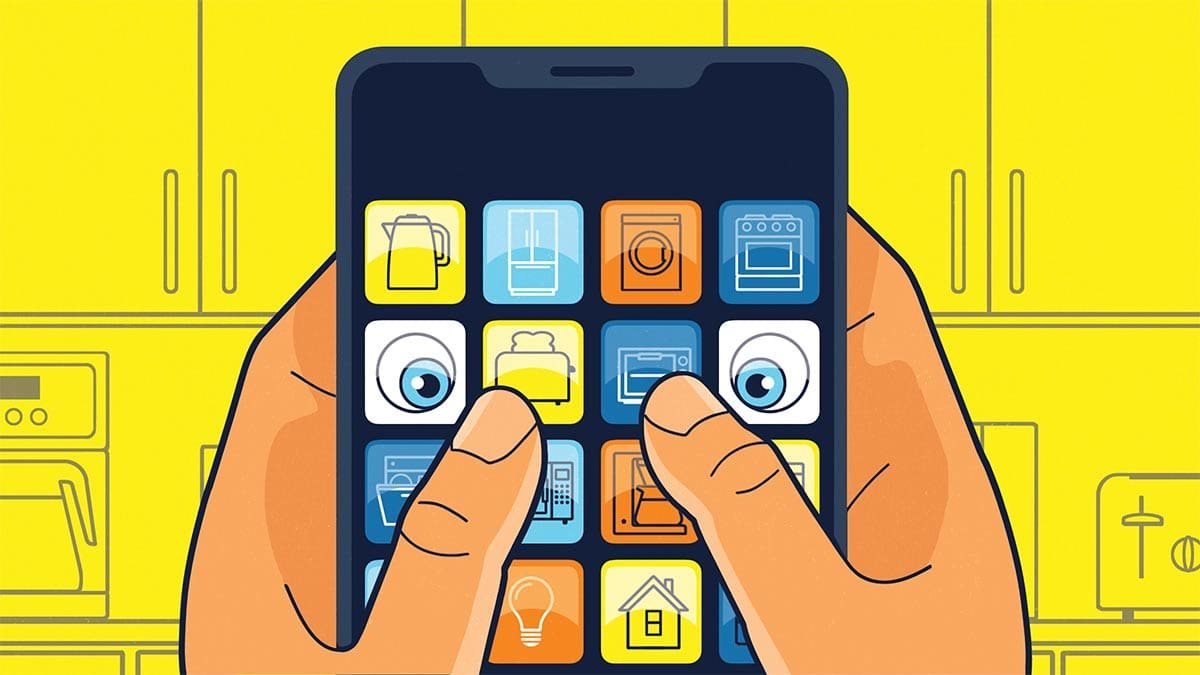
Protecting Your Data While Making Peace With IoT Apps and AI
If you use home devices that connect to the internet, you’ll have to accept that in most cases they will collect data and send that data back to a company. But you don’t have to feel powerless to minimize the amount of information that’s collected, or to opt out of services you don’t really need. Here are seven tips to protect your data:
1. Keep the software current. On the protection side, Daniel says that one thing that’s important that many people don’t do with products that aren’t phones or computers is to keep the device’s software up-to-date. That can be a cumbersome process sometimes: Nobody’s combing the internet habitually looking for software to keep their vacuums and food processors secure. But, Daniel advises, “Make sure that to the extent that there are updates for those kinds of devices, that you do keep them updated, because that’s actually important.”
2. Look for firmware updates. That may require visiting the website for the product and looking at its support page to see if there are any firmware updates. An update might also be available within an app for an IoT device. If you’re concerned about the security of an appliance or gadget, reach out to the manufacturer to check if updates are available.
3. Review privacy settings. Daniel also suggests going into apps for devices and looking for any privacy settings that can be enabled and any data-collecting options to opt out of. “As little data as you can get away with and still have the device function,” Daniel says.
In some cases, apps are not intuitive to navigate, making it harder for some to figure out how to remove data-collection options or to enable enhanced privacy. In the past, some of that has been by design, with some tech companies accused of intentionally making it harder to avoid paid subscription services or hiding privacy options to make it harder for consumers to access them. There have been efforts from federal and state agencies in the U.S. and in other countries to take some of those companies to task for deceptive design or business practices.
4. Consider security before purchasing. MacDonald believes thinking about these types of issues, such as the data that devices and their apps collect, should start before a purchase is even made. “Don’t just bring them into your home thinking it’s safe,” she says. She advises turning off “every single feature that is not adding value to you. Does your fridge need to be connected to WiFi? Ask those questions.”
5. Reconsider toys with cameras. As for any devices such as toys or tablets that are going to be used by children, those options are even more important to explore, she says. “I would ask the question, ‘Does my child having access to this device supersede the potential threat of someone gaining access to my child? Let’s say the toy has a camera in it. Does the value outweigh the risk?”
6. Have good password hygiene. In addition, make sure you don’t reuse passwords that you’re already using on other accounts or devices when you’re setting up IoT devices. Using passcodes or biometrics as passwords, if that’s an option, is even more secure than a password you might forget or that could get hacked.
7. Create a network for some devices. One step MacDonald strongly advises is setting up a separate guest network on a home router just for IoT devices. If they get hacked, they’ll be separated from the rest of your home network, making it less likely anyone outside could steal information from devices on your main network. That way, she says, “you’re safeguarding the rest of your network from them infiltrating your laptop or getting into your phone.”
Bonus: Support Consumer Reports. If you’re concerned that companies are doing whatever they want with data with no regard to customers or critics, that’s not quite true. In some cases, the companies making IoT devices change their data-collection policies when they’re flagged by organizations such as the Federal Trade Commission, security researchers, or even by individual reviewers, such as those at Consumer Reports. In the case of the washing machine with the elaborate screen on it—made by Samsung and running Tizen software—the company changed course on a feature that wouldn’t allow the product to be used until customers agreed to terms of service after the Consumer Reports team reached out.
“They’ve changed quite a bit of their policies to the betterment of the consumer based on our input,” Blair says.
Consumer Reports is also behind The Digital Standard, a website and hub for information used by testing organizations, researchers, and product teams to ensure IoT products meet standards for security, privacy, ownership, and governance. Some of the types of information vetted by Digital Standard include privacy policies for devices and whether companies sell data they collect and why.