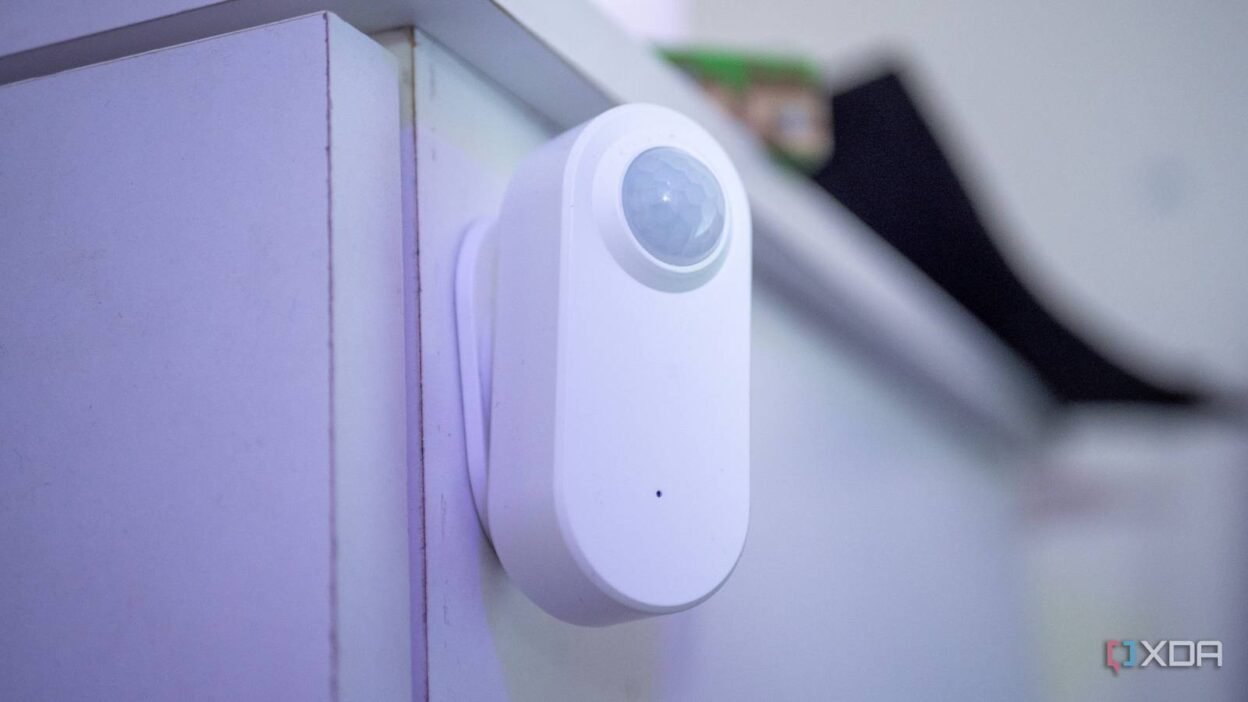
Everything is online these days, including our toasters and doorbells. And while smart devices are convenient and occasionally energy-saving, they also pose a risk of compromising our personal data. Security breaches in smart homes occur all too frequently, and your Internet of Things (IoT) devices may expose sensitive data that can be harvested by companies without you ever realizing it. A 2023 study by New York University found that IoT devices inadvertently expose personal information that can make it easy to identify your household.
If you have a smart device, you can take these steps to keep your data and home network safe. They’re relatively straightforward but will make all the difference in your home’s security. Ultimately, the best way to protect yourself from threats and unwanted data leaks is to disconnect your smart devices from the internet whenever possible.
Use separate networks
Let those smart devices keep to themselves

I can’t emphasize enough the importance of using a separate network for your smart home devices. Your smart devices are constantly exchanging information, making them vulnerable to a data breach or interference with devices (and your personal data) on your main network. You can create a separate network for your smart devices in a few ways.
- Guest Network: The easiest way to create a separate network for your devices is to use your router’s guest network option. Create a unique password, and the guest network will use a different SSID than your main network, adding another layer of security.
- Split your bands: Though this option may be a little trickier to navigate, you can split your dual-band router into separate SSIDs, putting your everyday devices on the 5GHz (or 6GHz if you have a Wi-Fi 6E or Wi-Fi 7 router) and your smart devices on the 2.4GHz band. This option will reduce bandwidth interference, since most smart devices operate on the 2.4GHz band, but you’ll have to toggle back and forth between networks if you’re trying to control a device on that band.
- Virtual local area networks (VLANs): You can segment your home network via VLANs and efficiently group your IoT devices on a dedicated 2.4 GHz band. You can configure a VLAN on your router and create firewall rules to monitor traffic between your network and the internet. If you’re so inclined, you can use a Home Assistant to keep your smart devices disconnected from the internet.
Use the WPA3 protocol
It’s the safest security standard for a reason
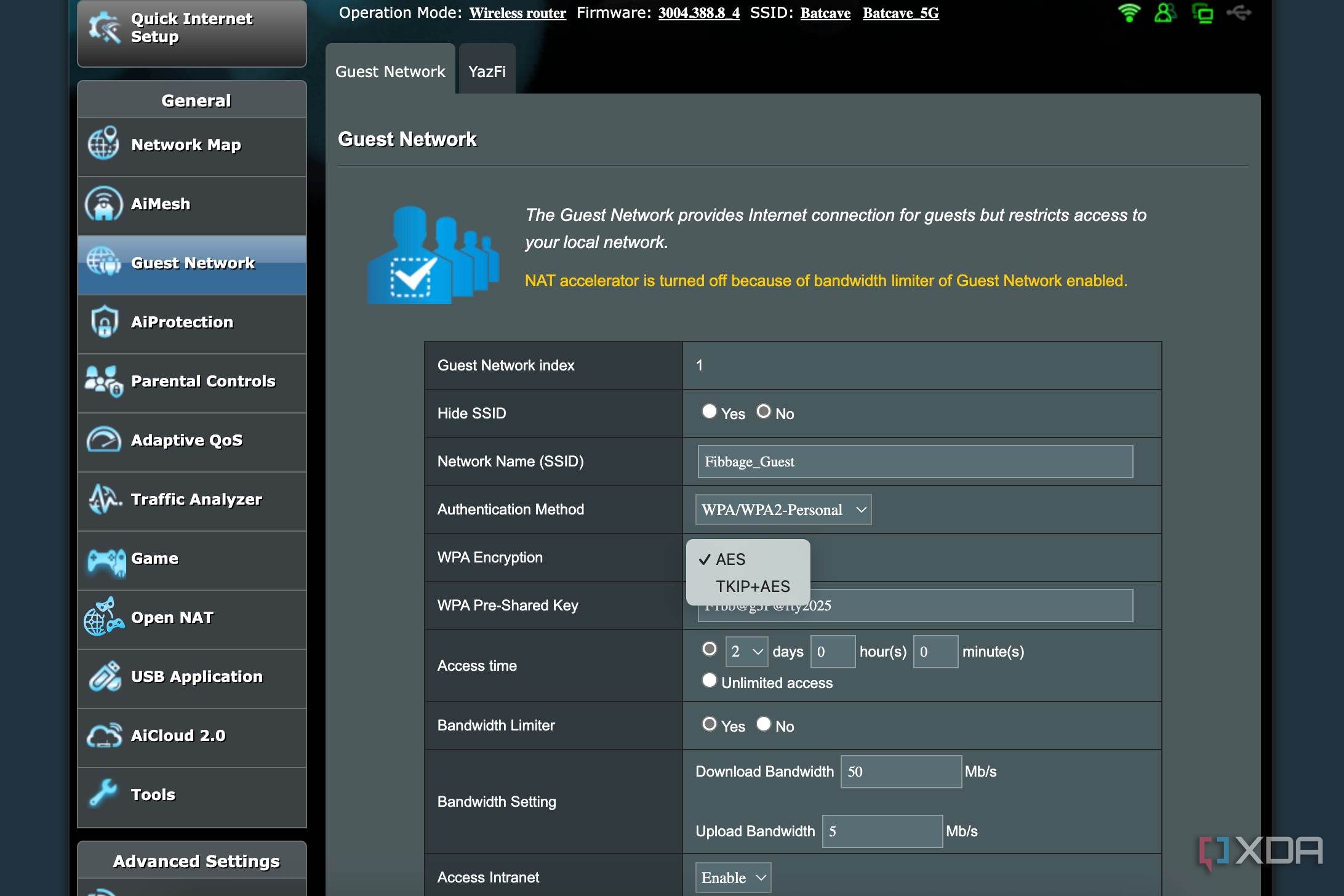
Not all smart devices support WPA3, so you may have to segment your IoT network further to separate WPA3-supporting devices from those that don’t.
You can use mixed WPA standards by logging into your router’s settings and adjusting the security settings. If you create a separate network for IoT devices, you can use WPA3 on that network—but make sure your devices support it. WPA3 includes several improvements to security practices, including enhanced encryption and stronger security for smart home devices.
Multi-factor authentication and unique passwords
Don’t rely on the default settings

Plus, if you turn on two-factor authentication, you can add an extra layer of security to your devices should those passwords be compromised. You may have to turn this feature on manually, but it is worth doing so. At least you’ll have to enter a second code via your phone, email, or an app, and at most, it’ll be more difficult for your accounts to be compromised.
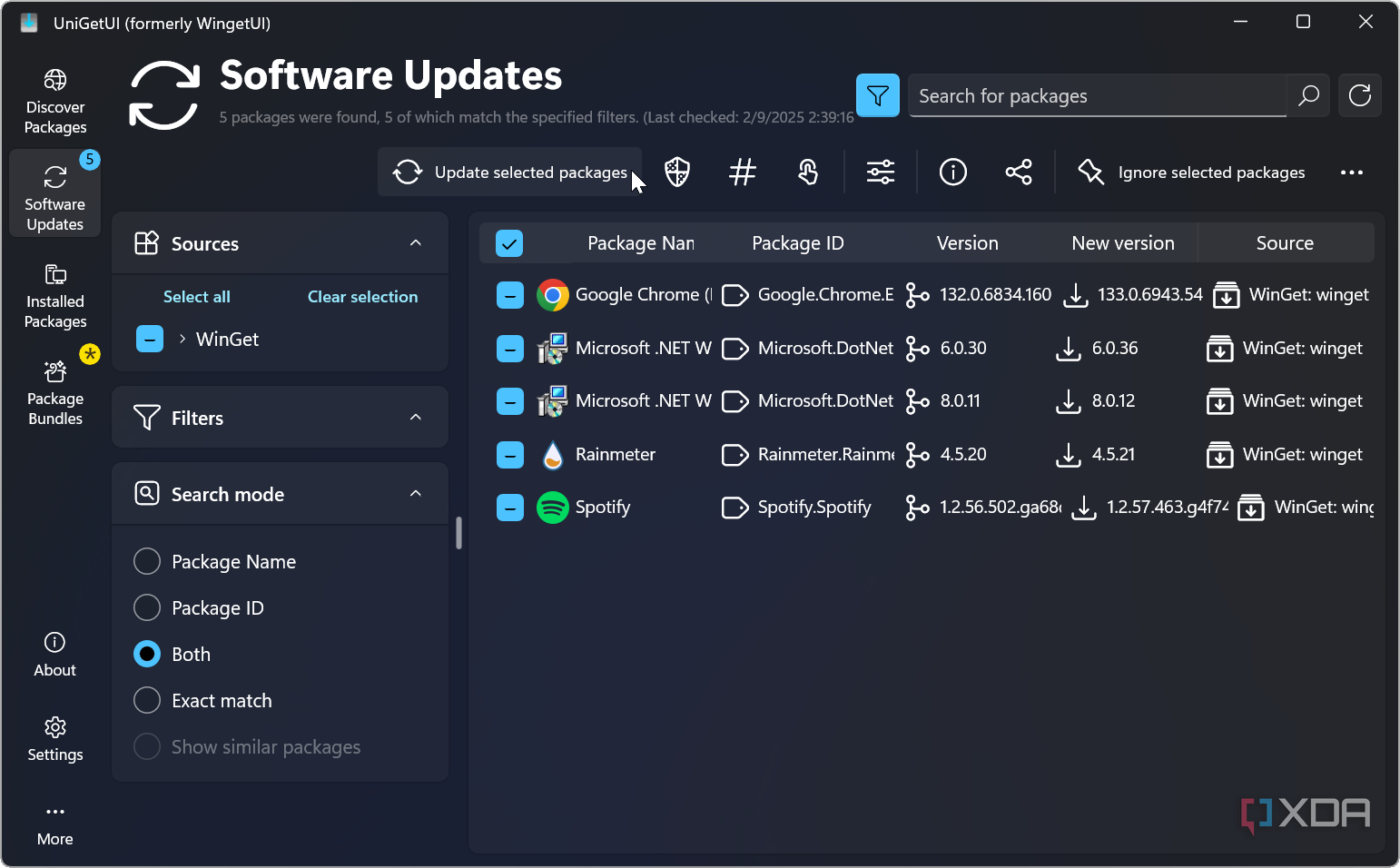
Turn on automatic updates
Updates come with essential security features
Turn off extra features
You probably don’t need them anway
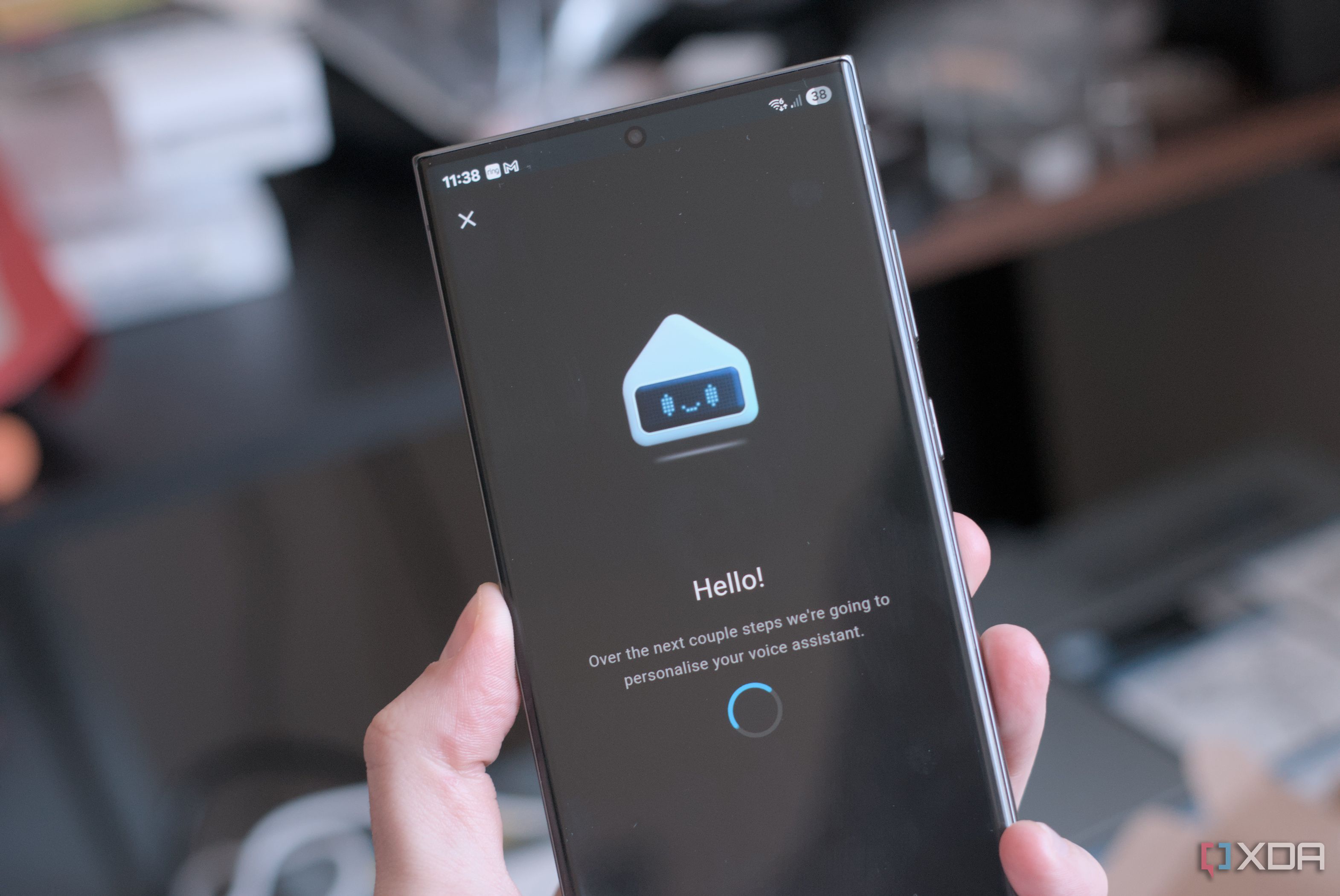
Similarly, when you’re not using a device, turn it off. If your IoT devices are connected to the internet, you can free up bandwidth that way.
Block internet access
Keeping your devices offline is the most secure option
Not all smart devices need to connect to the internet to work effectively, and keeping your IoT devices cut off from manufacturer servers is a guaranteed way for you to maintain control over your personal data. You can build a functional, completely offline smart home using Home Assistant to control devices and functions, and rest easy knowing your devices won’t be compromised or share your data without your knowledge.
Your data and network security aren’t worth the risk
Some of these steps may seem like overkill, but the truth is, IoT devices are an understudied and under-regulated sector of a growing industry, especially as we begin to integrate them with AI. Your home should be a safe place, not a potential site for hacking or sensitive data leaks.